Inkly is the undated digital planner made for Galaxy Tab and Android note apps. Landscape and portrait, hyperlinks that actually work, and a setup guide for your exact device.
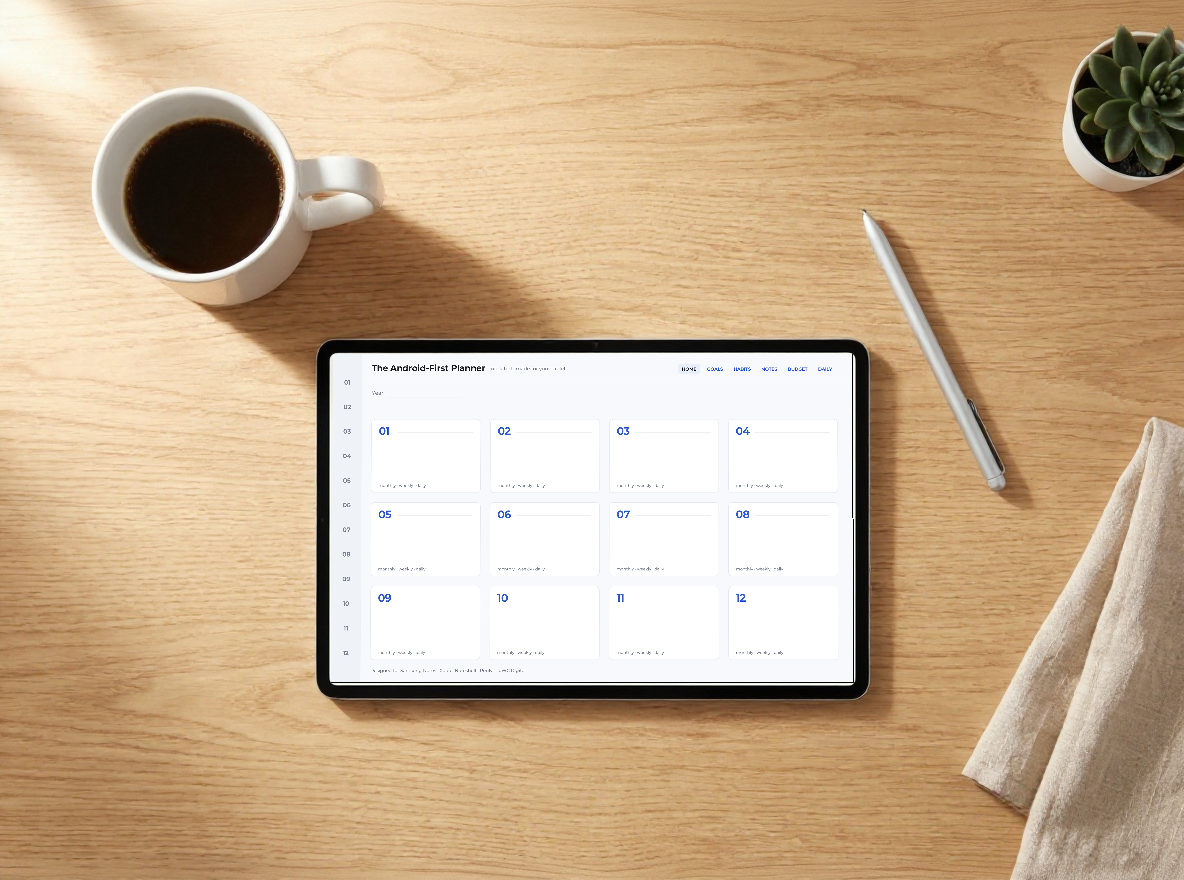
Almost every digital planner is designed for iPad and GoodNotes. On your Galaxy Tab you get broken links, layouts squeezed onto the wrong screen, and setup tips that ignore your device. Inkly flips that. It's designed for Android first — 16:10 screens, your note apps, your S Pen — so it feels like it was made for you, because it was.
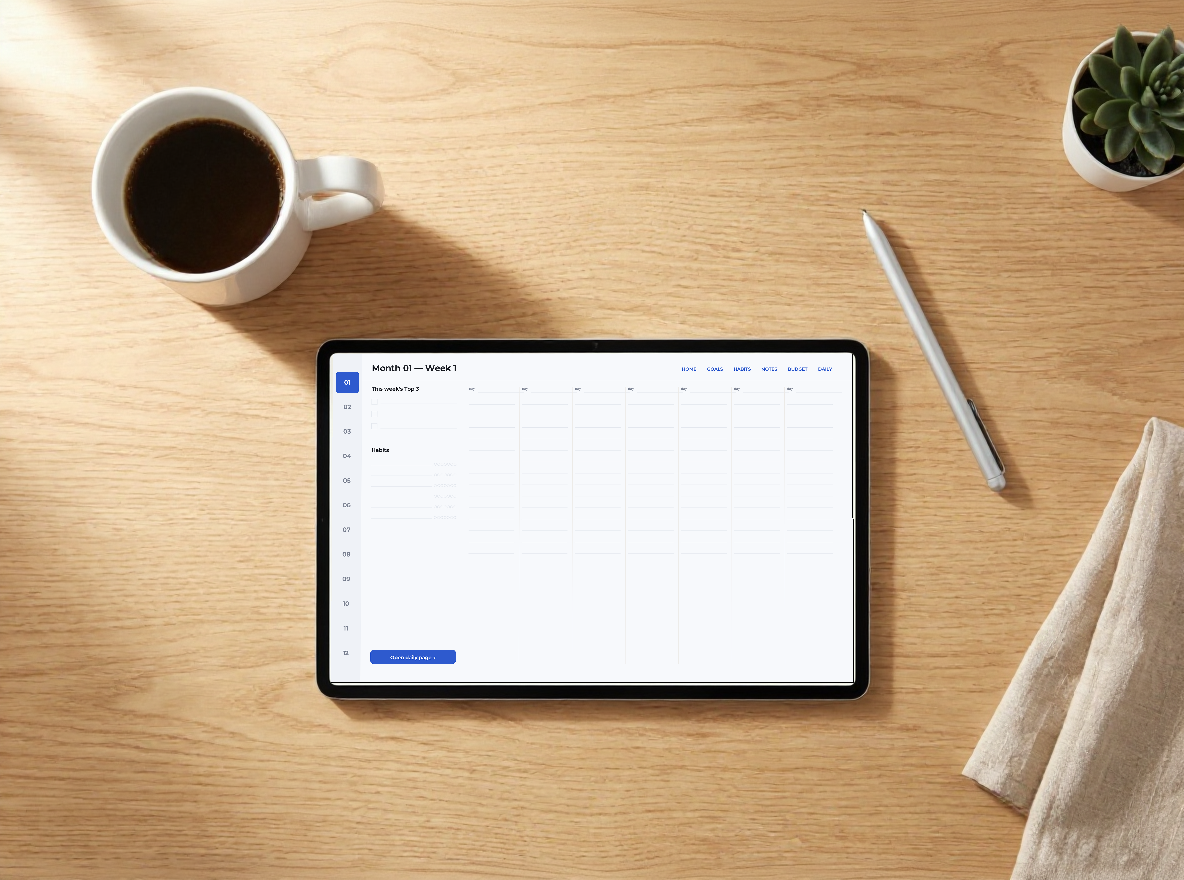
Both included. Use it the way you actually hold your tablet — the landscape version other planners skip is right here.
Write your own months and dates. Start any time of year, waste zero pages, reuse it every year.
Tap a month, jump to a week, back home in one tap — tested across Android note apps. We even show you the one setting that makes links work.
Short, illustrated steps for Samsung Notes, Xodo, Penly, Noteshelf and GoodNotes. No more "how do I even use this?"
Generous spacing and big writing areas — comfortable with the S Pen, even on older tablets.
Transparent PNG stickers — labels, checkboxes, headers — that drop into any app.
Save the PDF to your tablet and open it in your note app.
The one trick: tap your app's reading mode (the book icon in Samsung Notes) so the links become tappable — tap again to write.
Write your dates, tap between months and weeks, add stickers. Done.
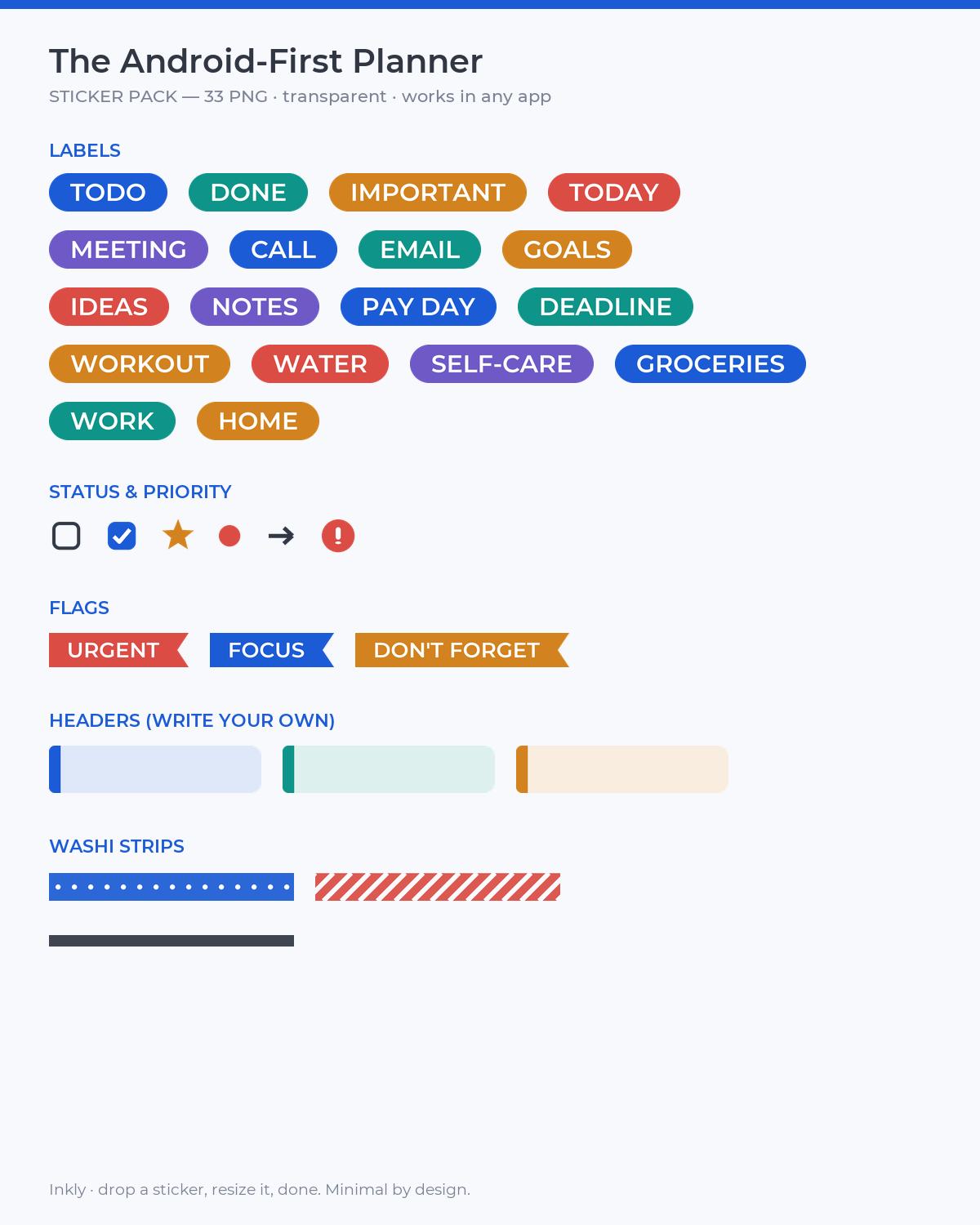
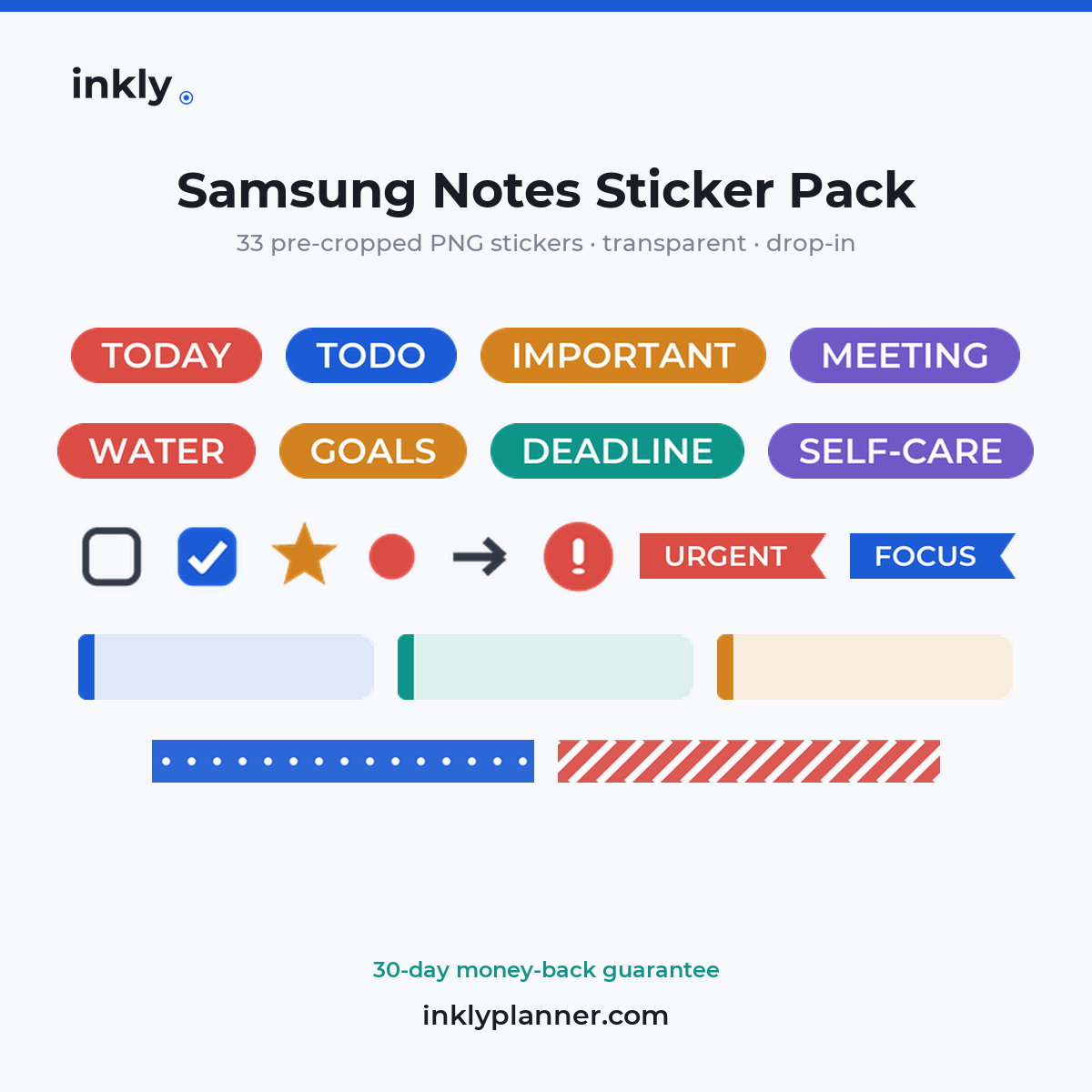
Already have a planner — or use a different note app? Get the standalone 33-piece Samsung Notes Sticker Pack: pre-cropped, transparent PNGs (pills, checkboxes, headers, washi) that drop into any app — Samsung Notes, Noteshelf, GoodNotes, OneNote. No lasso, no cropping.
Already get the planner? These come free with Inkly — this pack is for everyone who wants them on their own.
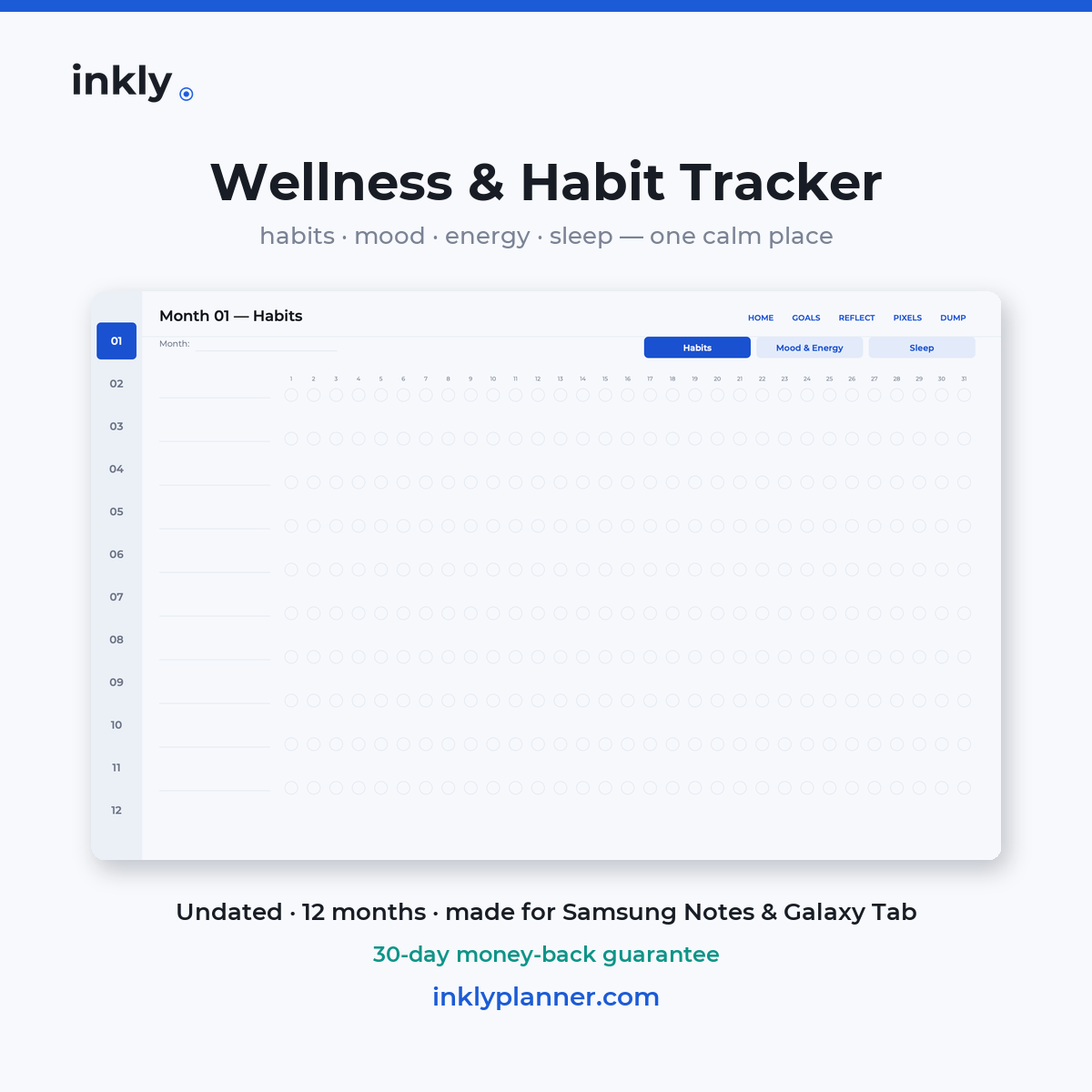
The Wellness & Habit Tracker: 12 months × Habits, Mood & Energy, Sleep — plus Weekly Reflection, Year in Pixels and Brain Dump. Same Android-first hyperlinked design, landscape + portrait, 817 tested links.
Already have the planner? Add the tracker to your cart for 30% off automatically.
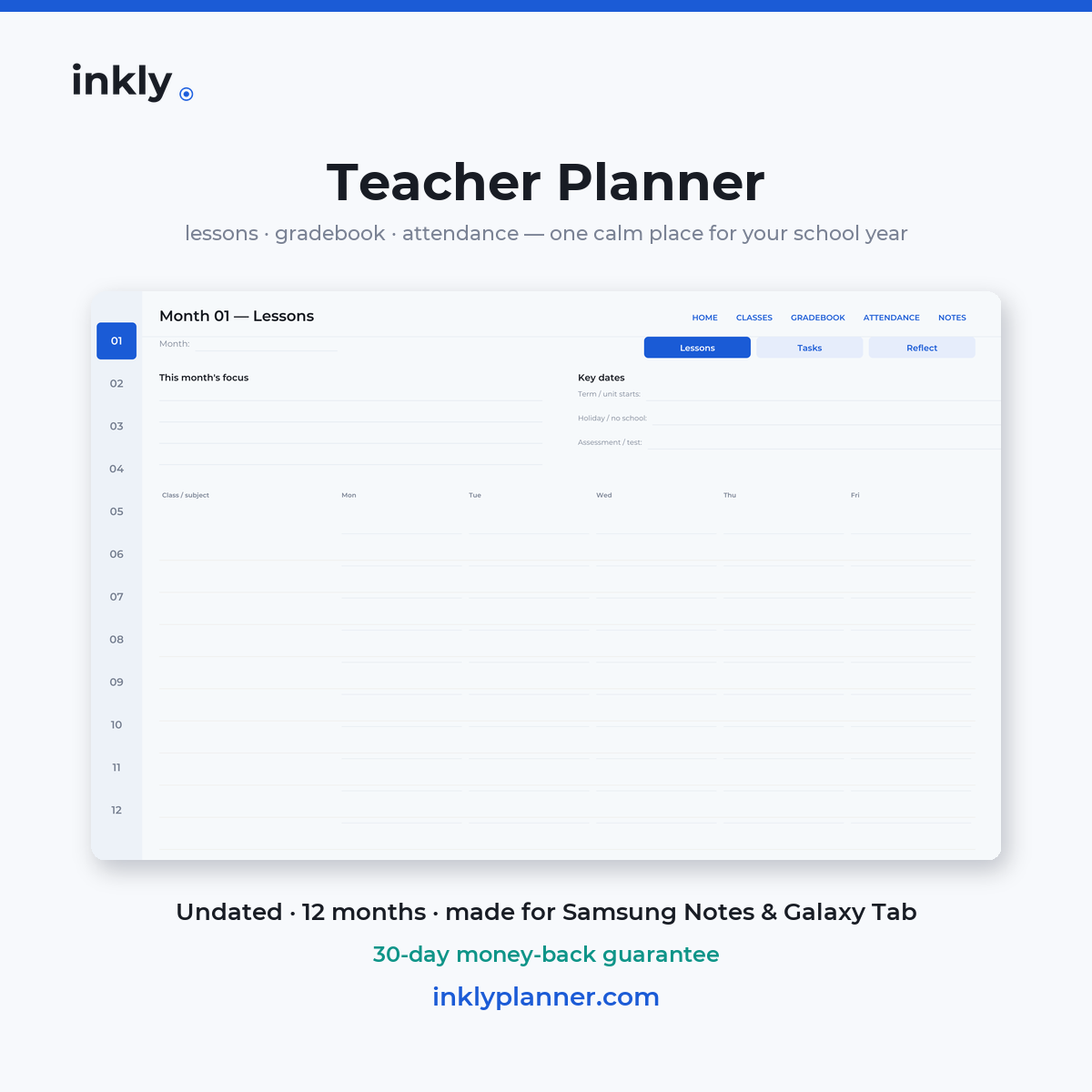
The Teacher Planner: 12 undated months × Lessons, To-Do and Reflect — plus Classes, a Gradebook assignment tracker and a 12-week Attendance grid. Same Android-first hyperlinked design, landscape + portrait, 817 tested links.
Get the Teacher Planner on Etsy →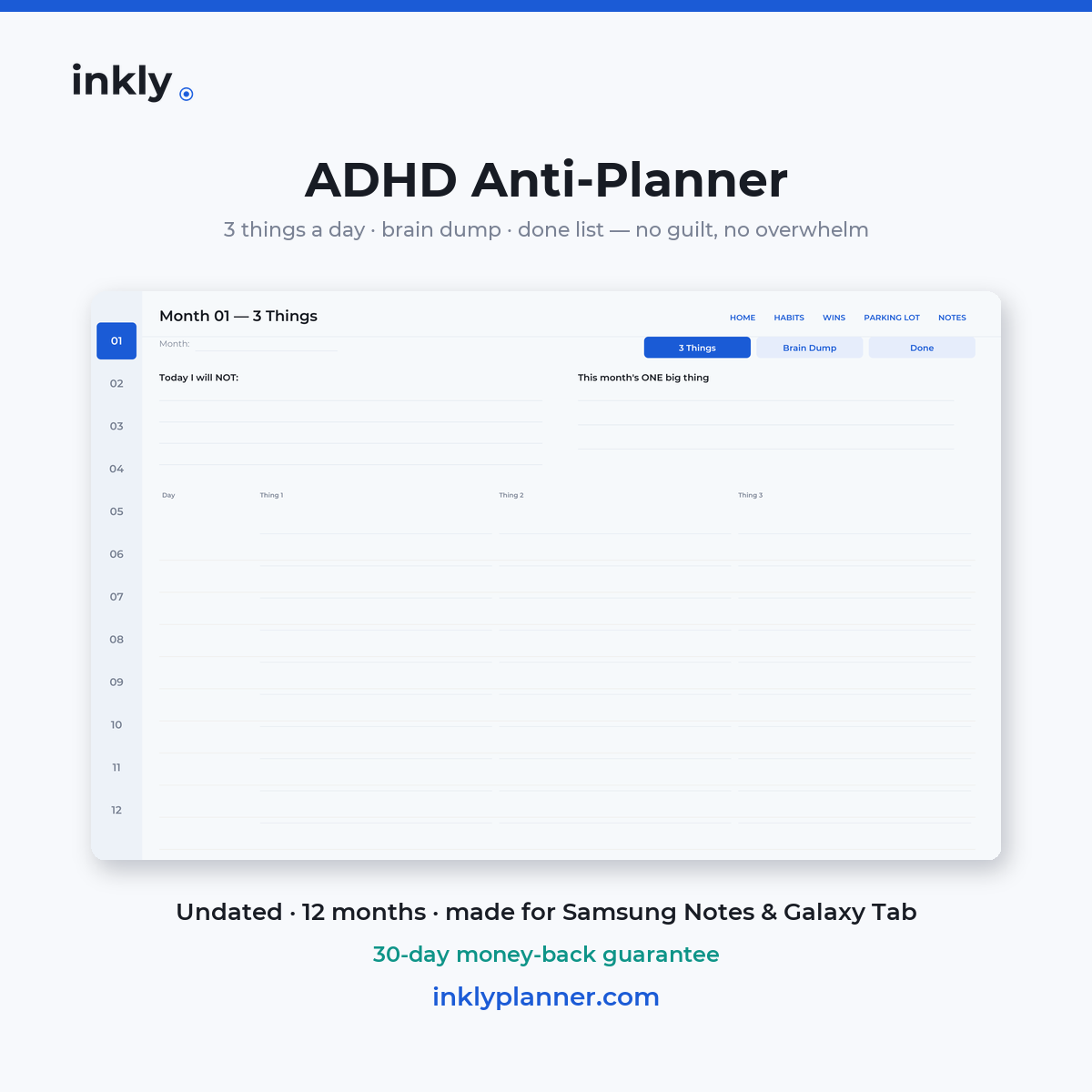
The ADHD Anti-Planner: no hourly schedule, no 700-page mega-planner. Just 3 things a day (the page has no room for more), a brain dump, a retrospective Done list, a low-pressure habit strip, Wins and a Parking Lot for big ideas. Same Android-first hyperlinked design, landscape + portrait, 817 tested links.
Get the ADHD Anti-Planner on Etsy →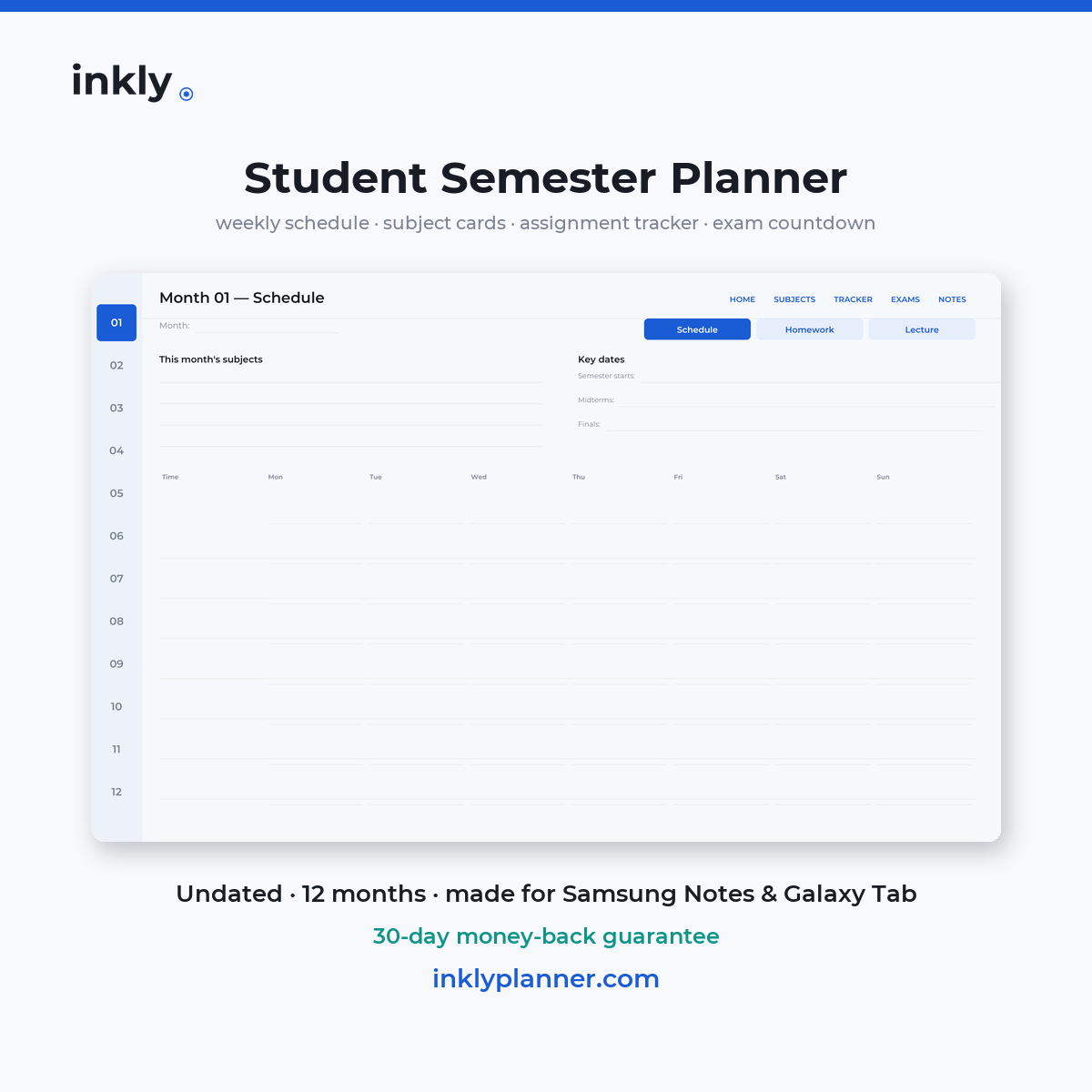
The Student Semester Planner: 12 undated months × Schedule, Homework and Lecture Notes — plus Subjects, a cumulative assignment Tracker and an Exams countdown. Same Android-first hyperlinked design, landscape + portrait, 817 tested links.
Get the Student Semester Planner on Etsy →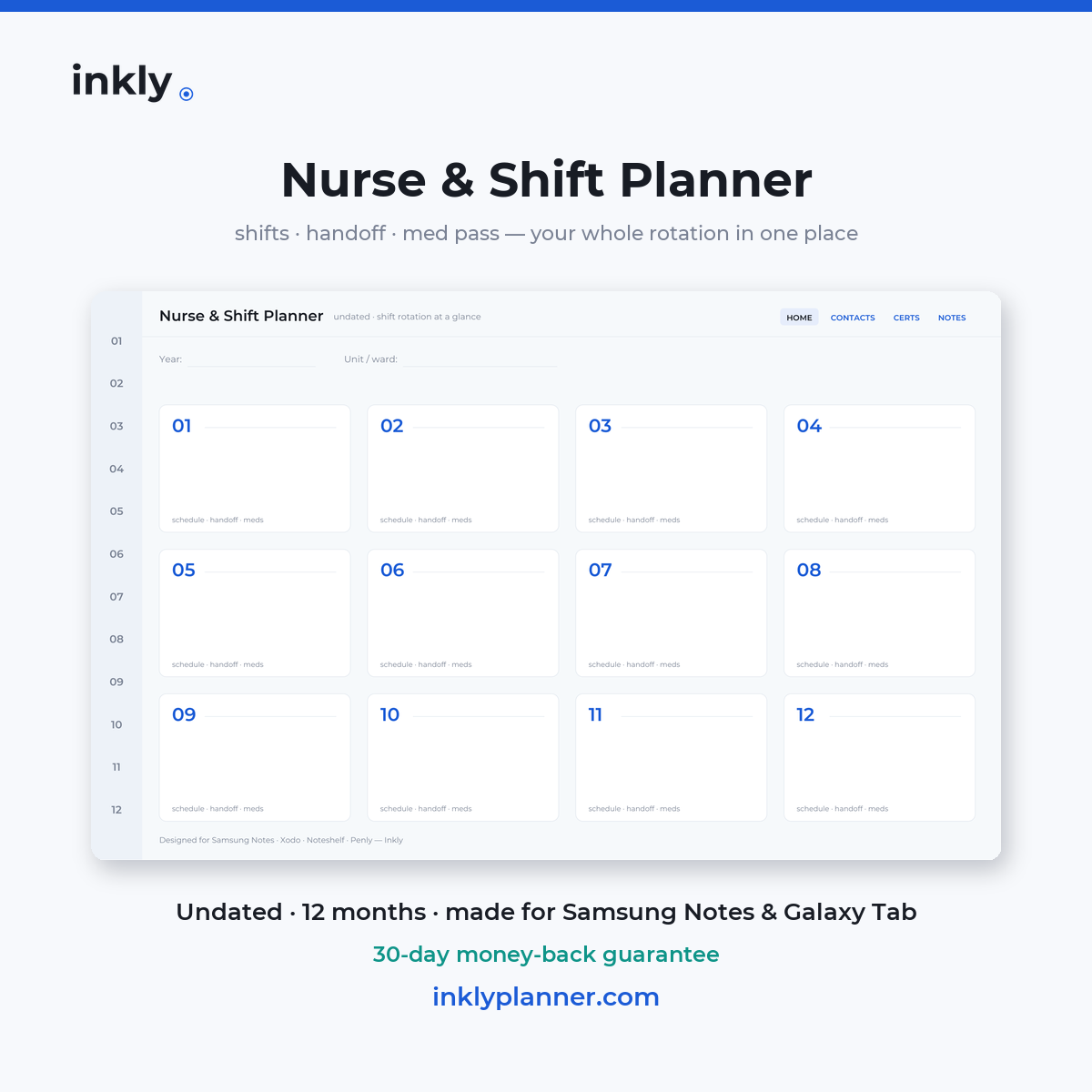
The Nurse & Shift Planner: 12 undated months × a 31-day D/N/O rotation grid, SBAR handoff rows and a med-pass tracker — plus Contacts, a Certifications renewal tracker and Notes. Same Android-first hyperlinked design, landscape + portrait, 760 tested links.
Get the Nurse & Shift Planner on Etsy →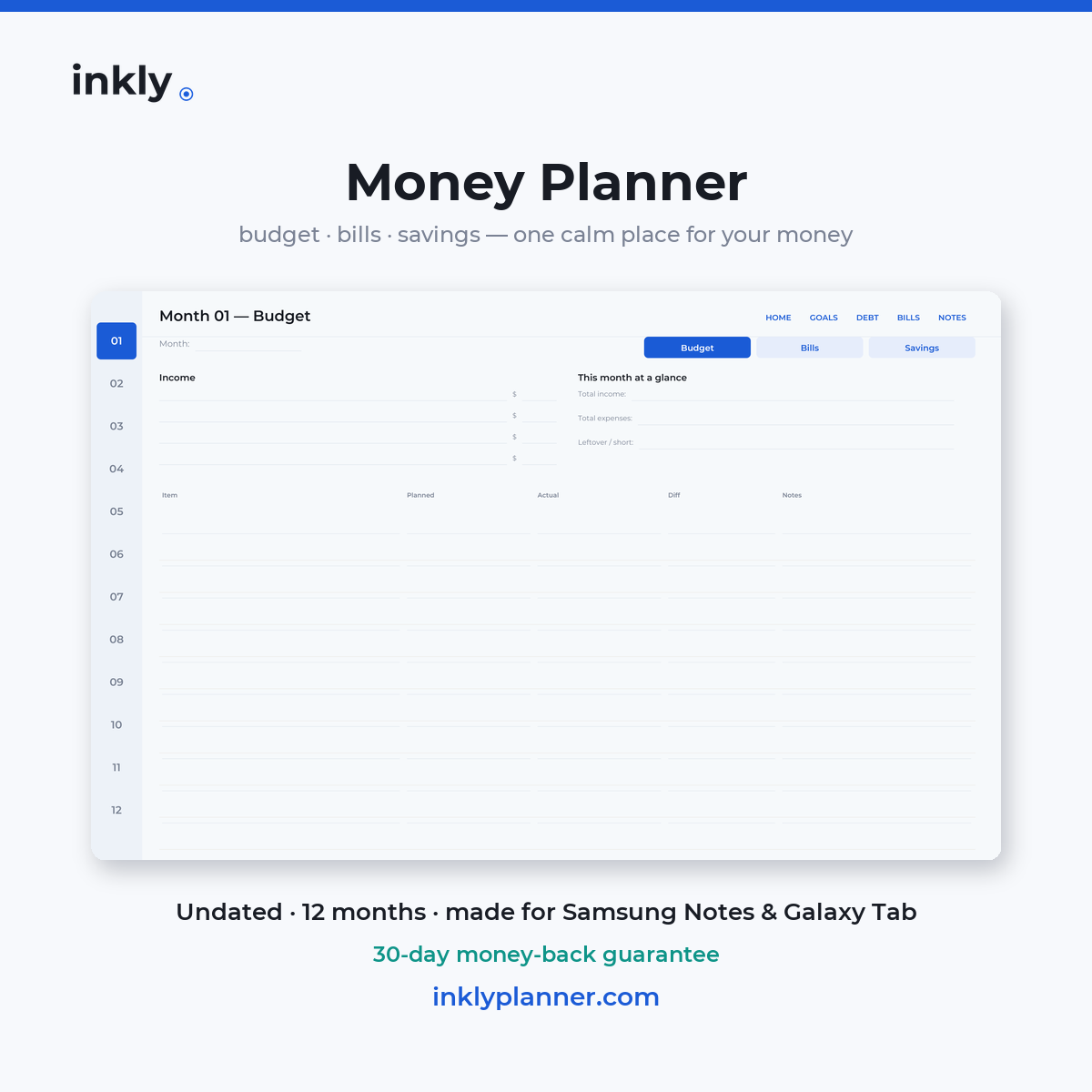
The Money Planner: monthly budget spreads, income and expense log, a bill tracker with due dates, debt snowball pages and savings goals. Same Android-first hyperlinked design, landscape + portrait, 817 tested links.
Get the Money Planner →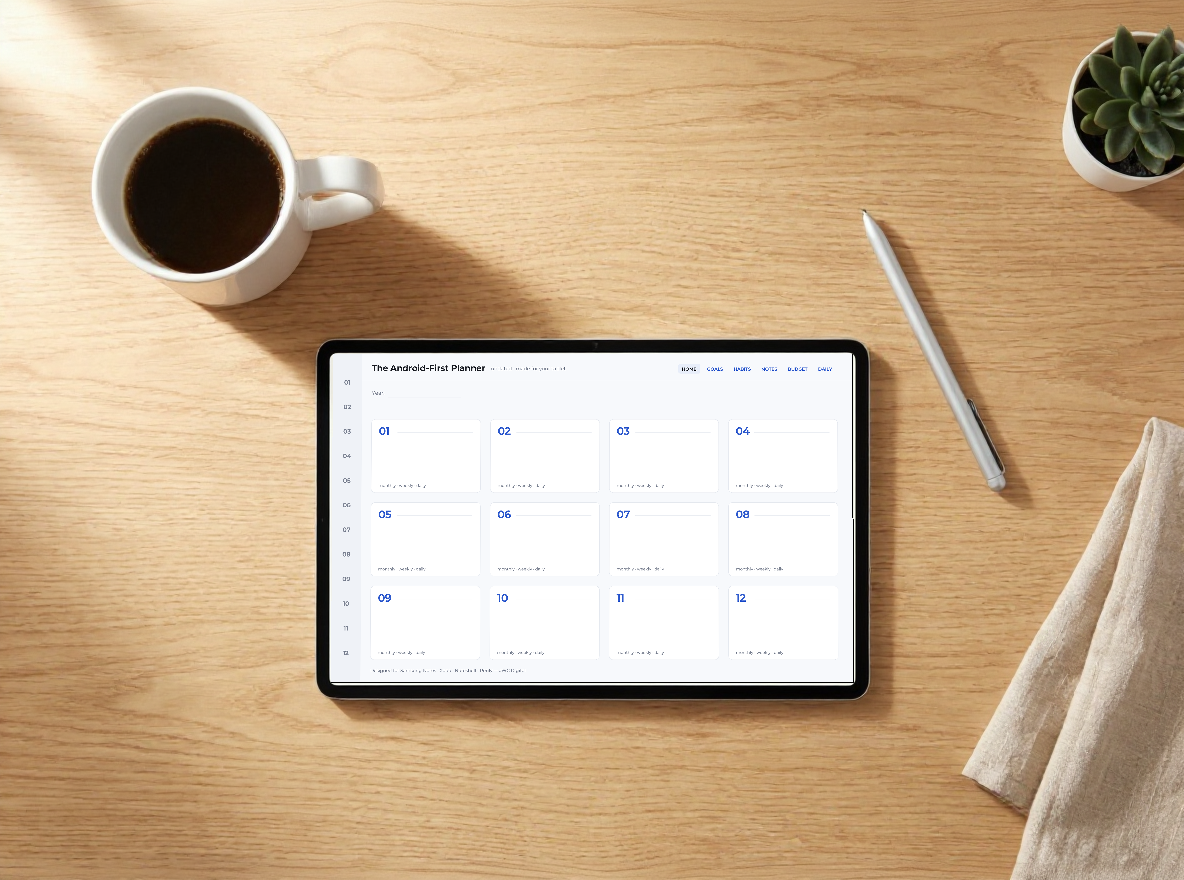
The Complete Kit bundles the Android-First Planner (66 pages), the Wellness & Habit Tracker (41 pages) and all 33 pre-cropped stickers. 2,113 tested links in total — separately it costs $18.97.
Get the Complete Kit →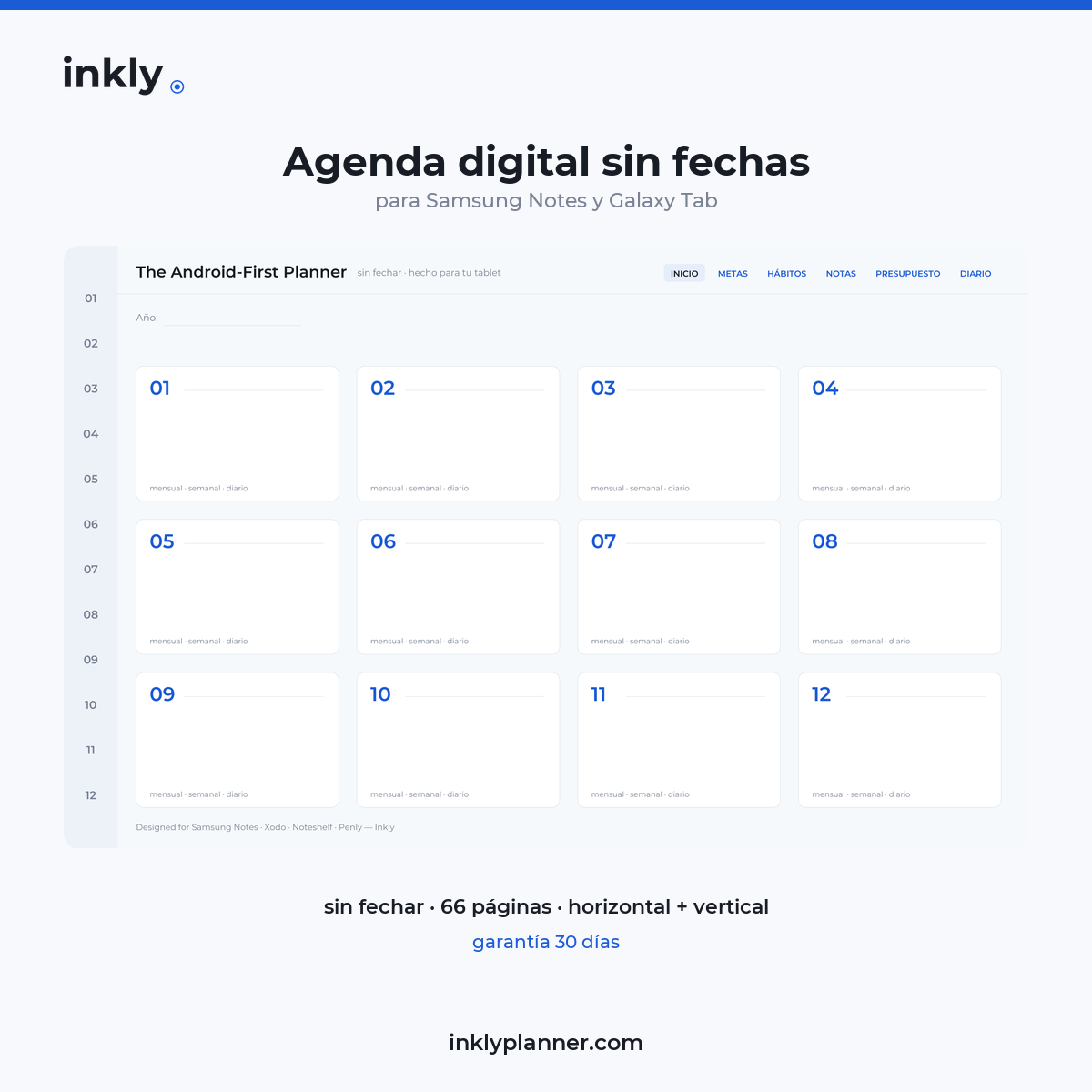
Casi todas las agendas digitales están en inglés y antes de comprar no te lo dicen. Esta no: cada página, cada pestaña y cada etiqueta están en español. 66 páginas, horizontal y vertical, 1.296 enlaces probados uno por uno. Sin fechas, 16:10 real para Galaxy Tab.
Ver la agenda en español → Pegatinas en español →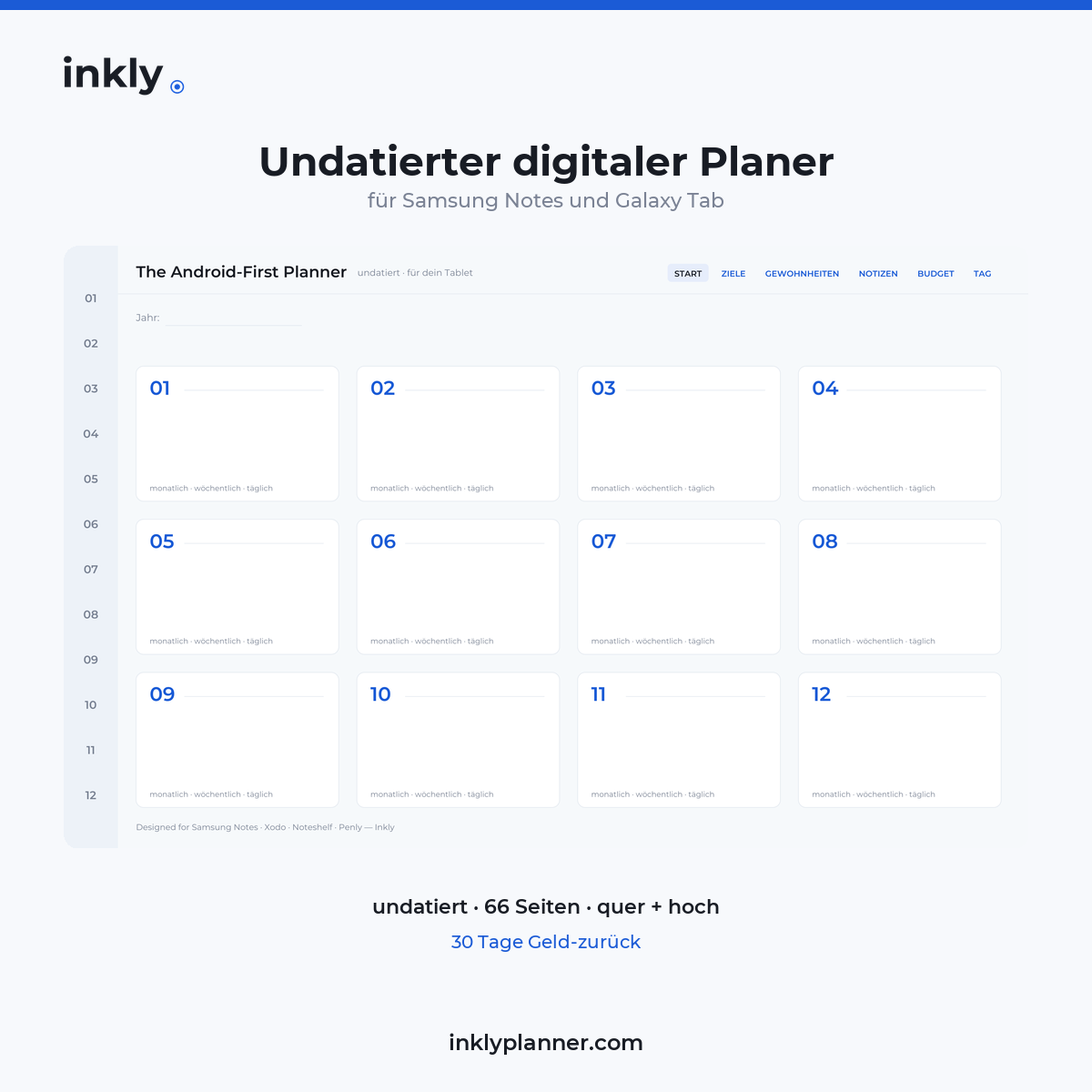
Fast alle digitalen Planer sind auf Englisch, und vor dem Kauf sagt es dir niemand. Dieser nicht: jede Seite, jeder Reiter und jede Beschriftung sind auf Deutsch. 66 Seiten, quer und hoch, 1.296 einzeln geprüfte Links. Undatiert, echtes 16:10 für die Galaxy Tab.
Zum Planer auf Deutsch → Sticker auf Deutsch →Get a free 1-week sample + 5 stickers. Test the links on your own device — then decide.
Send me the free sampleYes — Inkly is built for Android note apps and 16:10 screens. It also works great on iPad.
Samsung Notes, Xodo, Penly, Noteshelf, and GoodNotes.
You're probably in writing mode. Switch to reading mode (the book icon in Samsung Notes, the Read-only toggle in GoodNotes) and they become tappable. The included setup guide covers it for every app.
There are no printed dates — you write your own. Start any month, any time, and reuse the planner every year.
No. Inkly is a digital PDF — instant download, nothing physical.
You're covered by a 30-day money-back guarantee. If Inkly isn't right for you, just email hello@inklyplanner.com within 30 days for a full refund — no hassle. You can also try the free 1-week sample first.